
Auto Backup Excel Workbooks
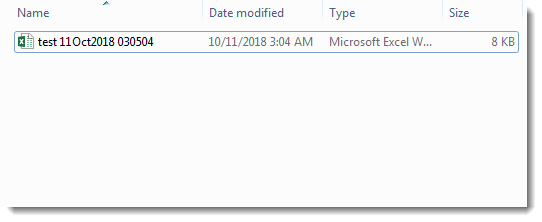
Save time by auto backup your Excel files automatically once the workbook opened or auto backup the current workbook for one time. Dose for Excel’s Backup utility can easily achieve this with one click.
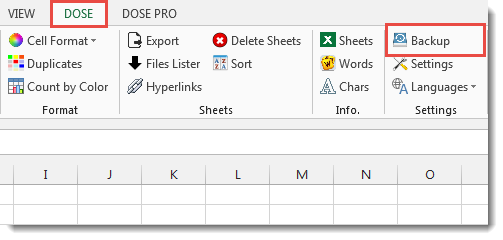
- Click DOSE » Backup

- Usage:
- Click DOSE » Backup.
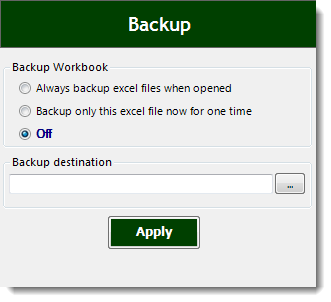
- Auto backup Excel workbooks has 3 options:
a. Always backup excel files when opened.
b. Backup only this excel file now for one time.
c. Off. - Then click Apply. See screenshots:
More Features:
Excel Filter By Selected Value
Excel Fast Filter To not wasting time by navigating to Data tab and click on…
Excel Formula Helper
Use Built-In Advanced Formulas In Excel You can quickly use built-in formulas without writing them…
Excel Remove Spaces
Remove Leading, Trailing, Extra & All Spaces in Excel – In One Click Stray spaces…
Excel Select Used Range
Select Used Range With One Click Most annoying thing is when you want to select…
How To Sum And Count Cells By Color In Excel
Sum and count and average cells by color in Excel To make the data stand…
Excel Extract Text
Extract Text Before Or After Or Between Certain Characters In Excel Cells You can add…